
Resource commenting
Resource commenting
Resource commenting can be enabled with the config option $comments_resource_enable. This adds a new area below the resource metadata allowing users to add and respond to comments about the resource.
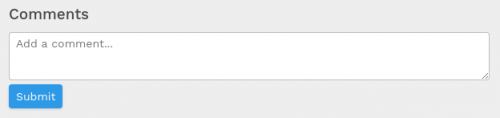
The comments area can be further customized by applying other configuration options such as adding a character limit and enabling a flat view.
User tagging - new for version 2.3
When writing a comment, type the "@" symbol then type the first few characters of someone's username, first name or surname. Dissemino will suggest matching user accounts which you can click to auto-complete the correct username.
Tagging a user in this way will mean they receive a notification message directing them to your comment.
Collection and resource tagging - new for version 2.3
Simply enter "r" then the resource ID, or "c" then the collection ID into a resource comment and it'll become a link to the respective resource / collection.