
21.09.21
Deleting resources
Deleting resources
There are two ways to delete resources within Dissemino:
Delete individually
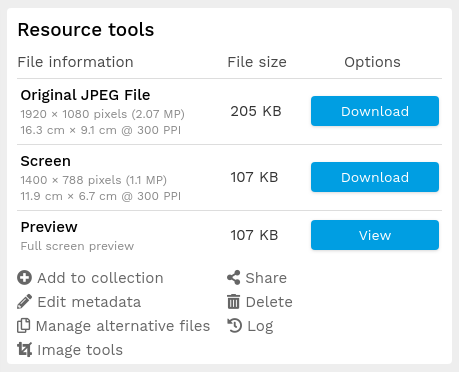
Find the resource you wish to delete.
Under Resource tools, click Delete
Depending on system configuration, you may then have to do one of the following:
Confirm your deletion via a pop-up window confirmation
Enter your password on the next page to confirm deletion
Batch delete
Add the resources you wish to delete to a collection. See Adding to collection
From the collection Actions menu select "Delete all resources". Note that this will delete the resources but not the collection.
No luck what you're looking for?
Let us know details about your quesiton. We'll get back to you!