
Geographic search
You can search for resources that have embedded location data by using the geographic search function.
To search, drag the map and and zoom to an area of interest (or search for a location using the upper right search button*), then draw a box on the map by dragging to select a search area.
This will take you to the search results page showing all resources with a geolocation that lie within the box.
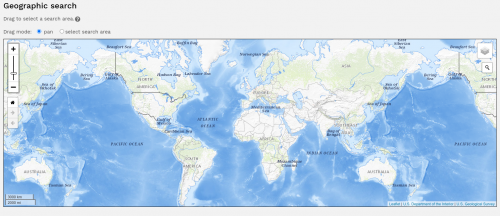
Heatmap
From Dissemino 2.3 the option will also be available to add a 'heatmap' when performing a geographic search. This shows areas where existing resources are located and can help users target their searches. To enable this you must have Leaflet Maps enabled and also set the following configuration option
$geo_search_heatmap = true;
Please note the following before enabling heatmaps
This option should be disabled in multi-client environments
Cached location co-ordinates are rounded to one decimal place to improve handling of large numbers of resources
Only resources that are currently in the default search states will be included in the heatmap
The heatmap can be enabled per usergroup as a configuration option override